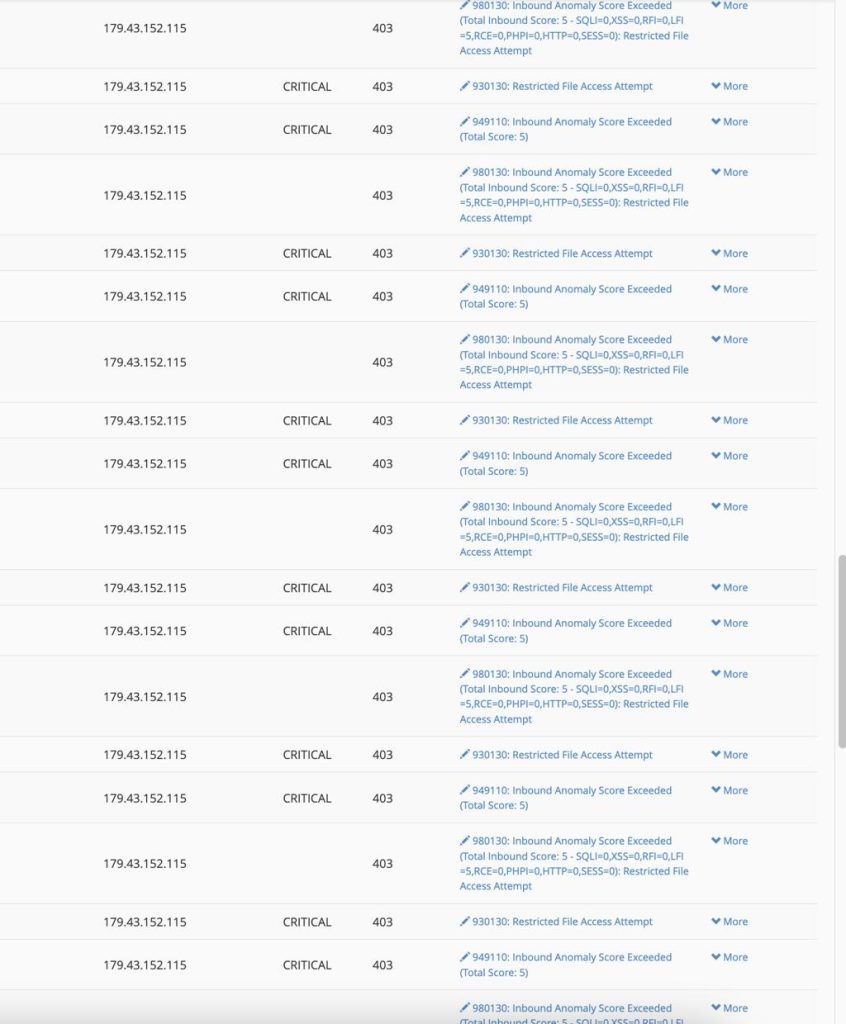
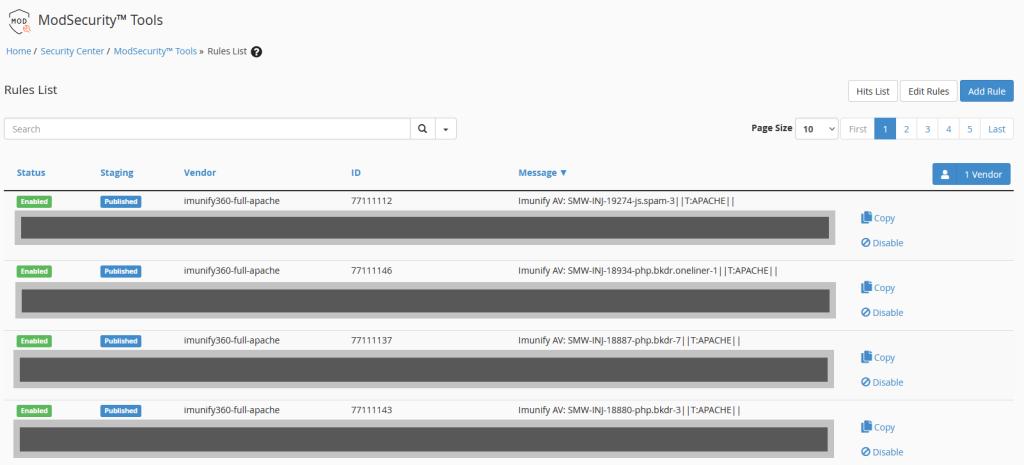
ModSecurity is a web application firewall (WAF) designed and integrated with cpanel to block unwanted triggered from http request. It usually, have a security rule and if any request does not pass the security rule, then it get blocked.
Some times, the requests are legitimate from the http but ModSecurity can still block them leading to site loading on browser:
403 Forbidden
or
406 Not Acceptable
ModSecurity Can be Managed via the Following Steps:
1. There are two different interfaces to trace ModSecurity and they are:
a – WHM: Usually, have these approach.
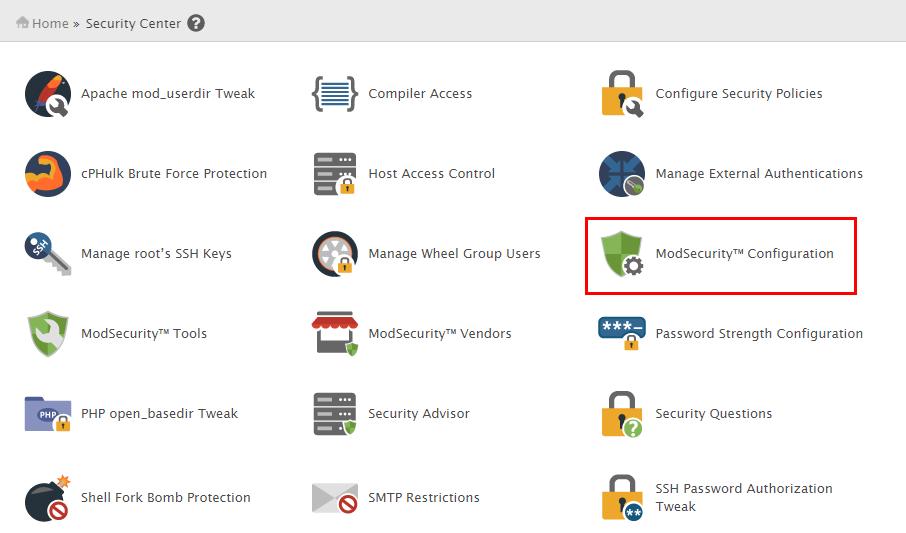
WHM >> Security Center >> ModSecurity™ Configuration that can be used to enable or disable it globally on the server.
b – cPanel: This is dealing with an individual cpanel account. The user can only control the ModSecurity in the account if server administrator enabled it.
2. Configuration of ModSecurity in WHM:
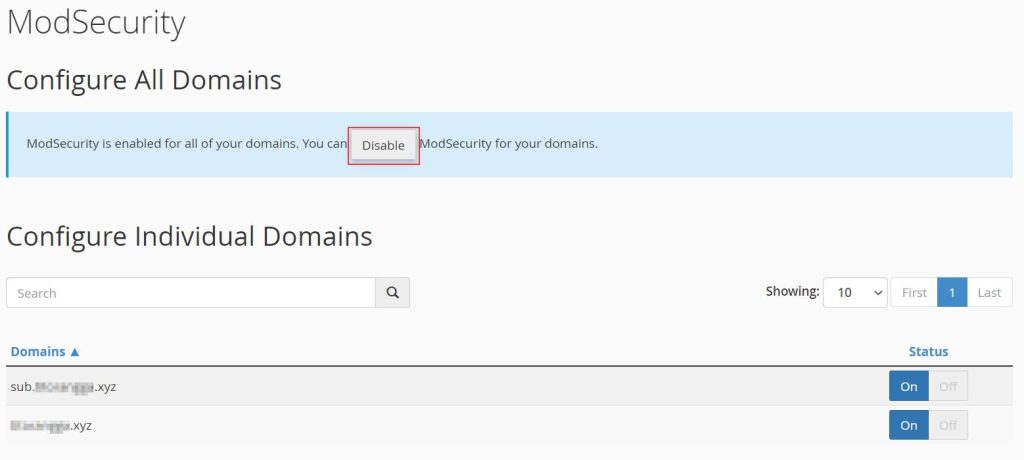
3. Steps to Disable ModSecurity for a Single Domain:
This approach is essential to exempt a particular user from the ModSecurity rule.
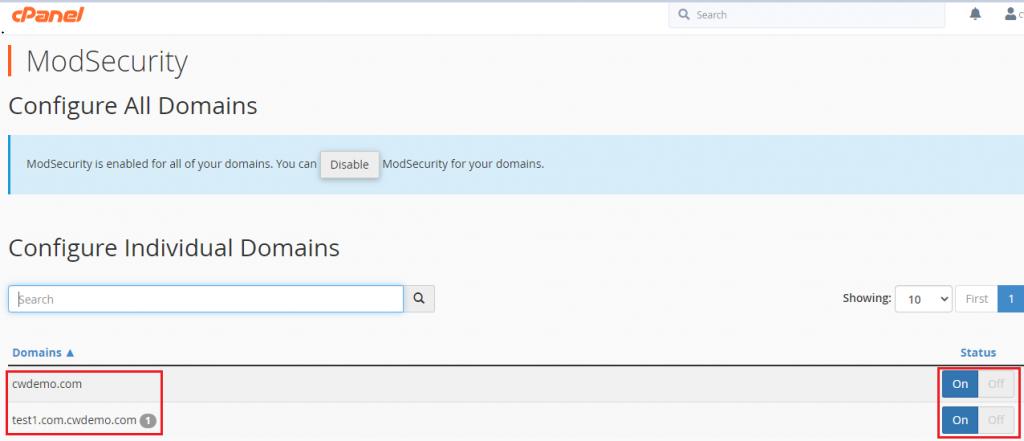
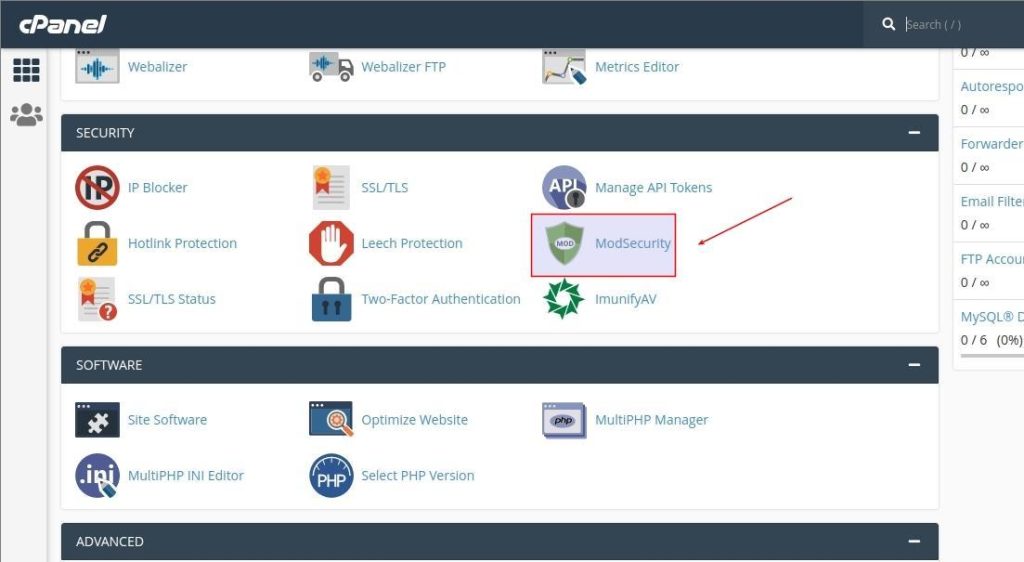
4. The ModSecurity on cPanel: As the server administrator in the web hosting company enable cpanel users to manage ModSecurity in their account, it will traced via cPanel >> Security >> ModSecurity.
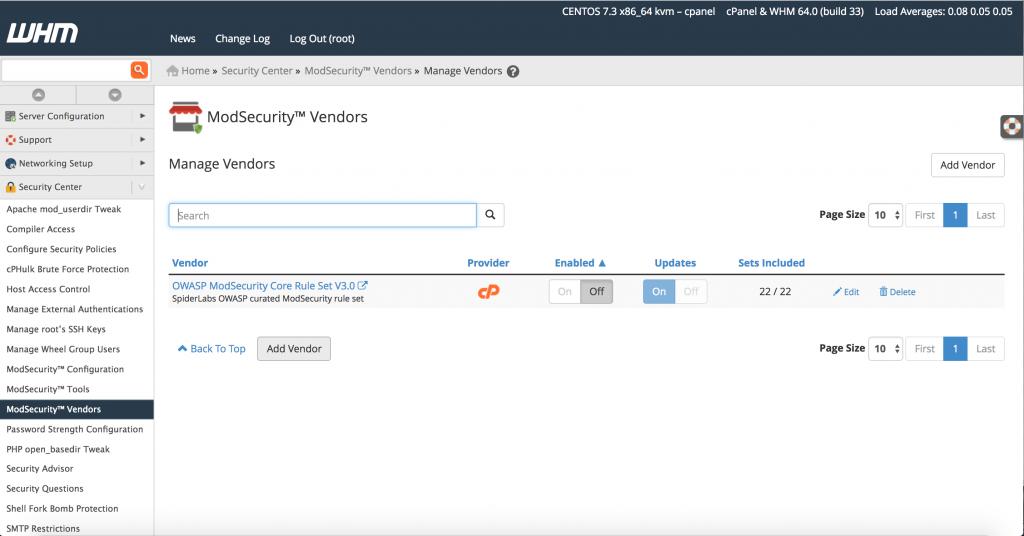
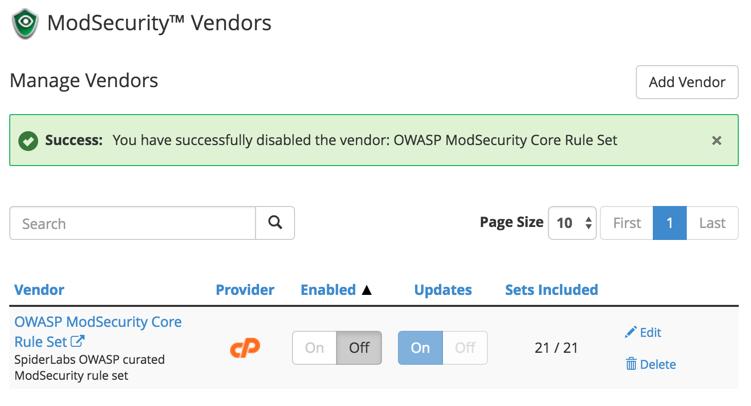
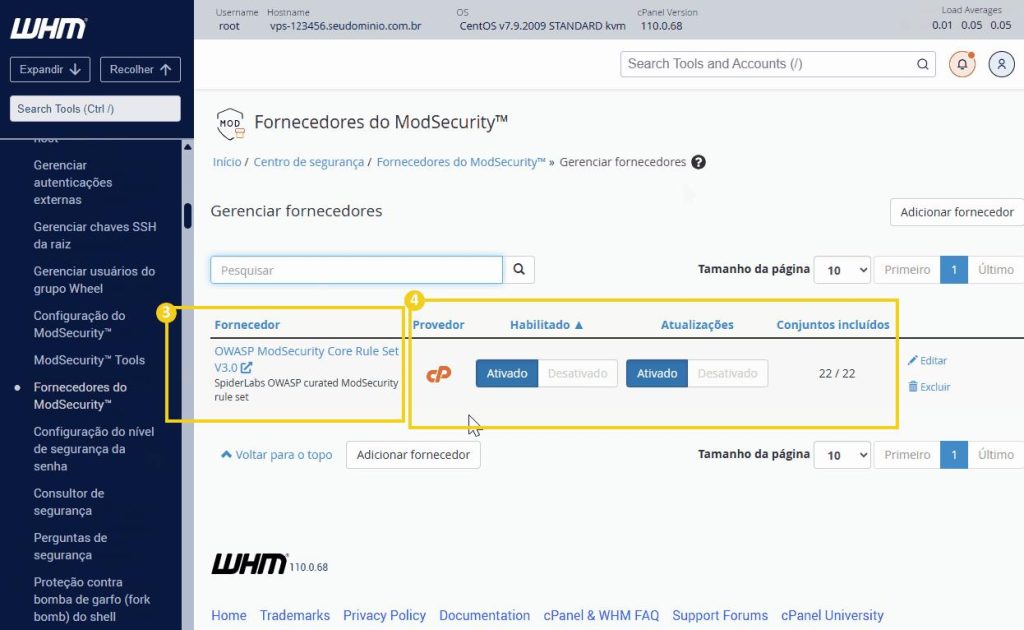
5. WHM → ModSecurity Vendors:
This is where the rules are manged and vendors rules are given below:
* OWASP ModSecurity CRS
* cPanel-provided rules
* Third-party ModSecurity rules
6. Finding the rule that caused a 406/403 error:
Troubleshooting the ModSecurity blocking site, is done via the following guide:
For and SSH access on a cPanel server, the following command can be used for troubleshooting:
The number ‘743521’ is the rule ID for the ModSecurity.
Important
It not advisable ,to disable ModSecurity globally on a shared server unless there is an urgent need. Enable the WAF to be active globally and troubleshoot one website rather than disabling the ModSecurity globally.
If ModSecurity is disabled globally, all websites on the server are subjected to high risk because the essential security layer is disabled but if a website is experiencing a problem, relating to ModSecurity issue, then properly trouble shoot it and resolve it at the domain level.
On no account should ModSecurity be disabled completely because it blocks a website http request.
The given approach below is a preferred way to resolve it:
Keep ModSecurity enabled >> identify the offensive domain >> verify that the domain request is a legitimate >> exclude only the problematic domain request.