

To set up email encryption in cPanel, you need to generate a GnuPG (GPG/PGP) key pair. This allows you to encrypt and decrypt sensitive emails sent to and from your domain.
Here is the step-by-step process:
1. Generate Your Key Pair
Log in to your cPanel account.
Scroll to the Email section and click on Encryption.
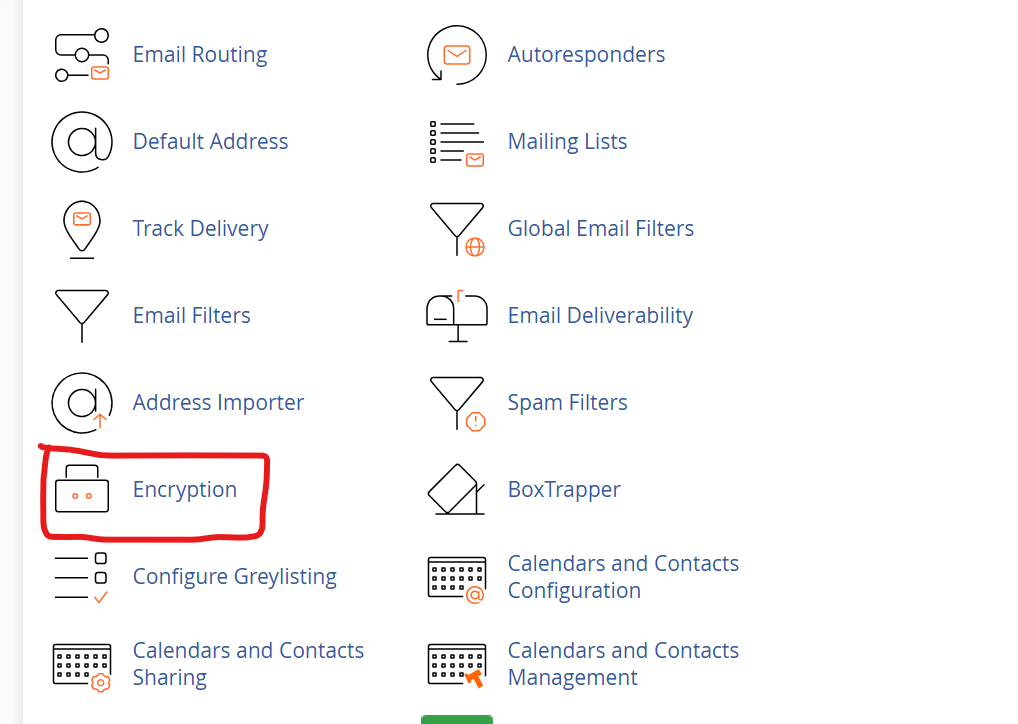
3. Under the Create a New Key section, fill in the following details:
Your Name: Enter your first and last name.
Your Email: Select or type the exact email address you are setting this up for.
Comment/Nickname: Add a brief note to help you recognize the key.
Key Password: Create a strong, secure password for this key.
Expiration Date: Set how long the key is valid (e.g., 1y for one year).
Key Size: Leave this at the default 2048 bits, which provides secure encryption without compatibility issues.
4.Click Generate Key.
2. Export and Save Your Keys
Generating the key creates both a Public Key and a Private Key:
Public Key: This is the key you share with people who want to send you encrypted emails.
Private Key: This is your secret key used to decrypt messages you receive. Never share this.
cPanel makes these keys accessible directly on the Encryption page. You can view, copy, or export them to save on your local device.
3. Use Your Encryption
cPanel provides the framework, but actual encryption takes place in your email client. You will need to import your generated keys into a desktop client like Mozilla Thunderbird or Microsoft Outlook
To send an encrypted email: You must first import the recipient’s public key into your email client’s key manager.
To communicate securely: Send your public key to your contacts so they can encrypt messages before sending them to your inbox
Setting up email encryption in cPanel helps secure your email communication and protect sensitive data from cyber threats. By enabling SSL/TLS connections and configuring SPF, DKIM, and DMARC records, you can significantly improve email security and deliverability.
Regularly review your email security settings to maintain a safe and reliable communication environment.
Watch the Video below: